

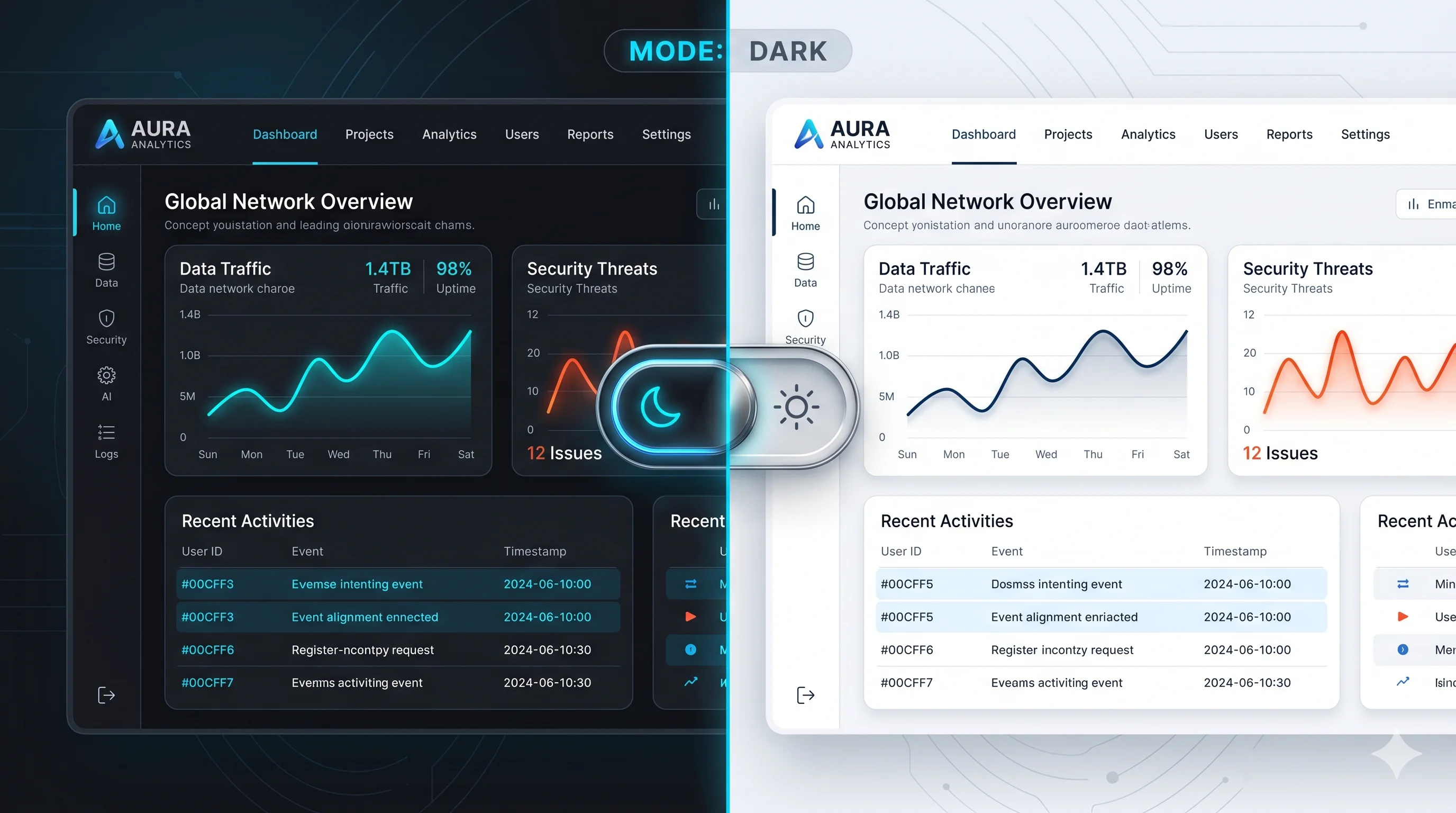
Should your website be dark, light or both? It looks like a style question, but it affects how comfortably people read, how your brand feels and how well your pages work on different screens. Many people now set their phones to dark mode, while others find long passages of light text on a dark background tiring to read.
Here is what actually matters when choosing, the design rules that make each mode work, and why the best answer for most sites is to support both.
The case for dark mode
- Comfort in low light. In a dark room, a bright white page can be glaring. A dark interface is easier on the eyes in the evening.
- Battery on OLED screens. On OLED and AMOLED displays, dark pixels use less power. Research from Purdue University in 2021 measured savings of roughly 39 to 47 percent at full brightness, but only a few percent at typical indoor brightness. It helps, but it is not dramatic for most visitors.
- Focus on visuals. Photos, video and bright accent colours stand out against a dark background, which is why streaming, gaming and portfolio sites often choose it.
- Long working sessions. People who use a dashboard or editor for hours often prefer a dark theme.
The case for light mode
- Reading long text. Dark text on a light background is what most people read best, particularly for long articles and documentation.
- Astigmatism and "halation". For many people with astigmatism, bright text on a dark background appears to blur or glow at the edges, which makes reading harder.
- Familiarity and trust. Light, clean pages feel familiar for shopping, banking, health and legal services, where trust matters most.
- Bright environments. Outdoors or in a bright office, light pages are usually easier to see.
Dark vs light at a glance
| Factor | Dark mode | Light mode |
|---|---|---|
| Long-form reading | Harder for many readers | Easier for most readers |
| Low-light comfort | Better | Can feel glaring |
| Bright environments | Harder to see | Better |
| Battery (OLED) | Saves power, mainly at high brightness | Uses more power |
| Typical fit | Media, gaming, portfolios, dashboards | Shops, news, services, documentation |
Designing a good dark mode
A dark theme is not an inverted light theme. These rules make the difference between comfortable and unreadable:
- Avoid pure black and pure white. Use a very dark grey or navy for backgrounds and an off-white for text. Maximum contrast causes glare.
- Keep contrast accessible. Normal text needs a contrast ratio of at least 4.5:1 to meet WCAG guidelines. Check every text colour, including grey labels.
- Tone down bright colours. Saturated brand colours can vibrate on dark backgrounds. Use slightly lighter, softer versions.
- Show depth with lighter surfaces. Shadows barely show on dark backgrounds, so raise cards and menus with slightly lighter shades instead.
- Check images, logos and charts. Transparent logos and dark diagrams can disappear. Provide alternate versions where needed.
- Test forms. Input fields, placeholders and error messages are the parts most often forgotten.
The best answer: let visitors choose
Every major operating system lets people choose a light or dark appearance, and browsers pass that preference to websites. The most visitor-friendly approach is to follow it automatically and offer a toggle for people who want something different.
In CSS, the preference is available through a media query:
:root { --bg: #ffffff; --text: #1e293b; }

@media (prefers-color-scheme: dark) {
  :root { --bg: #0f172a; --text: #e2e8f0; }
}

body { background: var(--bg); color: var(--text); }
A few details make it feel polished:
- Remember the choice. If someone uses the toggle, save it so the site stays the way they set it.
- Avoid the flash. Apply the saved theme before the page renders, so visitors do not see a white flash on a dark site.
- Tell the browser. The CSS
color-schemeproperty makes scrollbars and form controls match the theme.
Frequently asked questions
Is dark mode better for your eyes?
In low light it can feel more comfortable. For reading long text in normal lighting, most people read light mode more easily. Comfort varies from person to person, which is why offering both is the safest choice.
Does dark mode affect SEO?
Not directly. Search engines do not rank a site differently for its colours. Readability and accessibility, which affect how people use your site, are what matter.
Should a small business website have a dark mode?
A well-designed light site is enough for most small businesses. Dark mode is worth adding if your audience uses your site at night, for long periods, or if it fits your brand.
Get a site that looks right in any light
Shawon Web designs and builds websites and web apps with accessible colour systems that work in light and dark mode, tested on real devices. Every project is quoted at a fixed price, and you own the code.
Request a quote for your website or app.
Comments
No comments yet. Questions and thoughts are welcome.