

Web design trends come and go, but the good ones share something: they make a site easier to use, faster to load or more memorable, not just different. In 2026 the biggest shifts are driven by new browser capabilities, AI-powered search and a stronger focus on accessibility.
Here are the ten trends shaping websites this year, what each one is good for, and where to be careful before you redesign around it.
The 10 trends worth knowing
1. Bento grid layouts
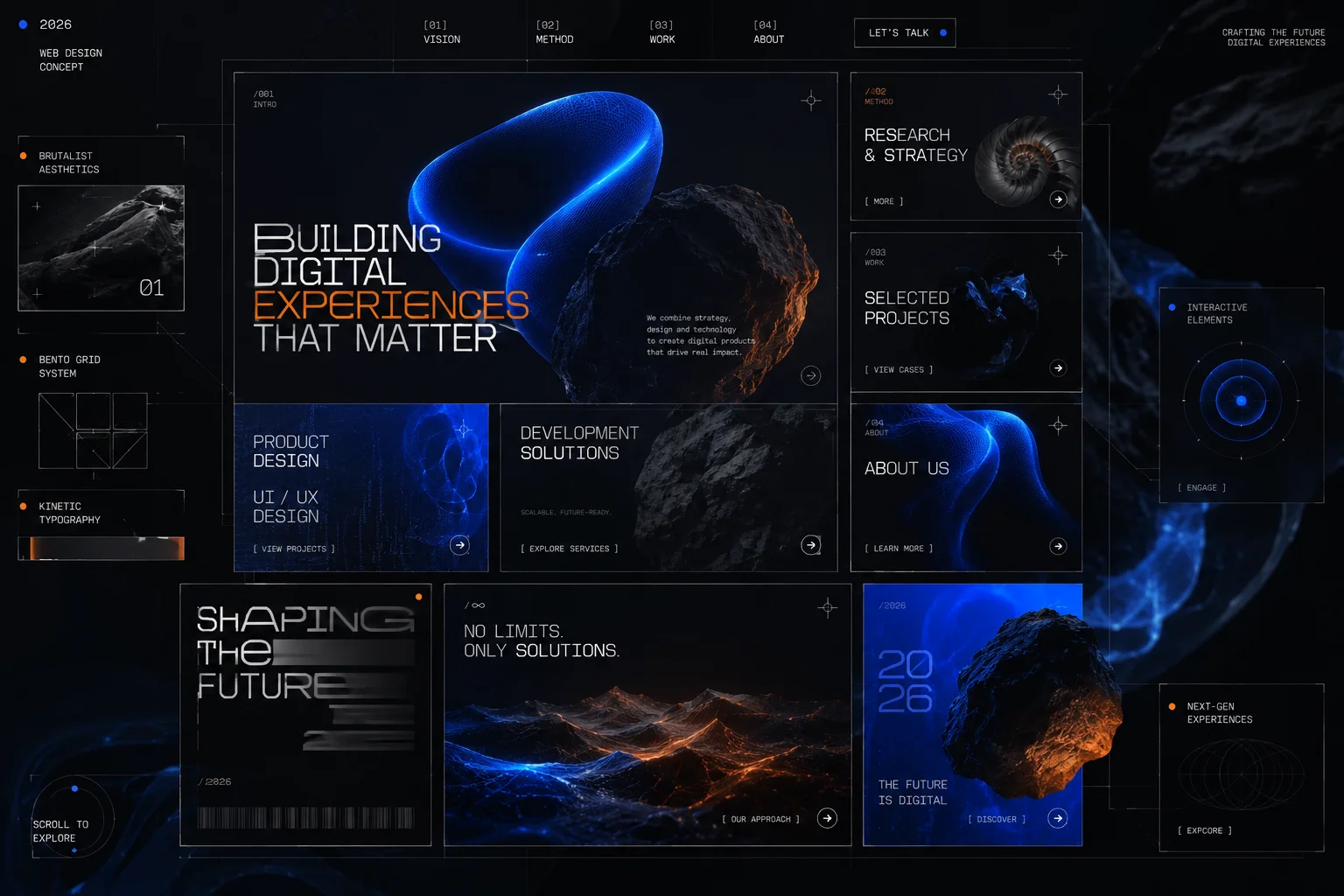
Named after Japanese lunch boxes, bento grids arrange content in tidy blocks of different sizes. They are excellent for showing several features or stats at a glance, and they rearrange naturally on phones. Keep each block focused on one idea, or the grid becomes a jigsaw.
2. Big, expressive typography
Large headlines are doing the work that hero photos used to. Variable fonts let a single font file change weight and width smoothly, so text can grow, shift or react to scrolling without loading extra files. The result is a strong look that is also light to download.
3. Native page transitions and scroll animation
Browsers now support the View Transitions API and scroll-driven animations in CSS. Effects that used to need heavy JavaScript libraries, such as smooth page-to-page transitions or elements that animate as you scroll, can now be done natively and run more smoothly. Always respect visitors who turn on "reduce motion" in their system settings.
4. Components that adapt to their container
CSS container queries let a card or widget change its layout based on the space it is given, not just the screen width. Designers can build one component that works in a sidebar, a grid and a full-width section. It is not flashy, but it leads to cleaner, more consistent sites.
5. Purposeful micro-interactions
Small responses to what a visitor does: a button that presses in, a form field that confirms a valid email, a gentle shake on an error. Done well, they make a site feel responsive and reduce mistakes. Done badly, they slow people down. Every animation should answer the question "what just happened?"
6. Conversational search and on-site assistants
More sites now let visitors ask a question in their own words instead of hunting through menus. An assistant trained on your own content can answer common questions, find the right product or take a booking. The key is honesty: make it clear it is an assistant and give an easy route to a human.
7. Personalisation with restraint
Showing returning visitors the content most relevant to them, or local prices and stock, can lift results. Heavy, hidden personalisation tends to feel intrusive, and privacy laws limit what you can do with personal data. Simple, transparent personalisation works best.
8. Dark mode as a choice, not a default
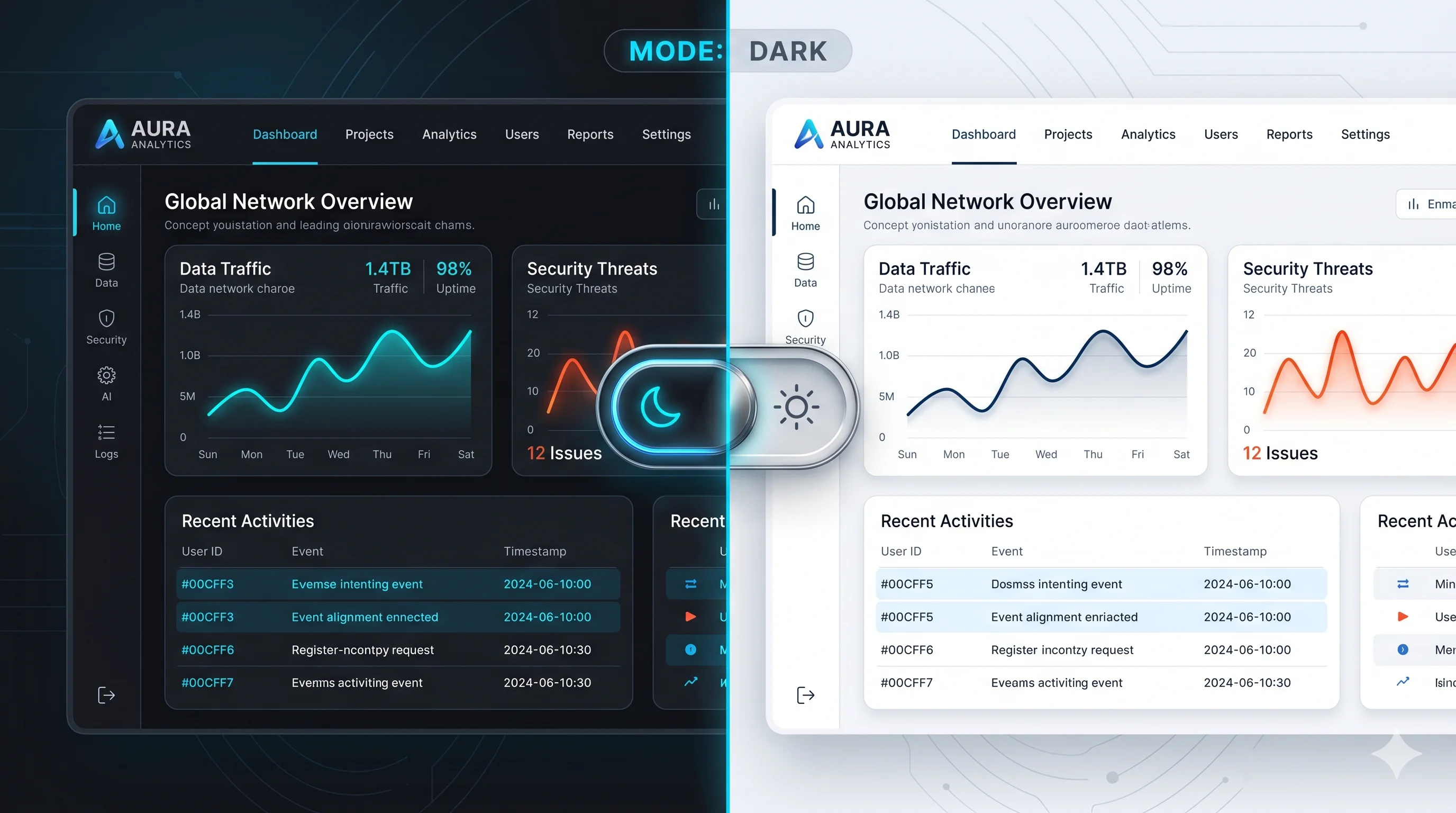
Many people prefer dark interfaces, especially on phones in the evening. The best approach is to follow the visitor's system setting and offer a toggle, rather than forcing one look on everyone. We cover this in detail in dark mode vs light mode.
9. The human touch
With AI-generated images everywhere, real photos of real people, hand-drawn details, textures and imperfect shapes stand out. Brands are using them to signal that a person, not a template, is behind the business. This works best when it reflects something true about the company.
10. Accessibility as a baseline
Accessibility has moved from nice-to-have to requirement. The European Accessibility Act has applied to many online shops and services in the EU since June 2025, and WCAG 2.2 is the standard most organisations design to. Good contrast, keyboard navigation, clear focus states and proper labels help every visitor, and they also help search engines understand your pages.
Which trends to adopt
| Trend | Best for | Watch out for |
|---|---|---|
| Bento grids | Feature and service overviews | Too many blocks competing for attention |
| Expressive typography | Brands that want a strong, fast-loading look | Headlines that become hard to read on phones |
| Native transitions | Smooth navigation between pages | Motion sickness; respect "reduce motion" |
| Container queries | Sites with reusable components | Older browsers need a sensible fallback |
| On-site assistants | Sites with many common questions | Wrong answers; always offer a human option |
| Accessibility | Every website | Treating it as a one-time checklist |
How to decide what is right for your site
- Start with your visitors. What are they trying to do, and what slows them down today?
- Check your speed first. Run your pages through Google PageSpeed Insights. If they are slow, fix that before adding visual effects.
- Pick one or two trends that solve a real problem rather than adopting all of them at once.
- Test on real phones, not just a desktop browser at a smaller size.
- Measure the result. Compare enquiries, sales or sign-ups before and after the change.
Frequently asked questions
How often should a business website be redesigned?
A full redesign every three to five years is common, but small, regular improvements based on real data usually deliver more than a big redesign every few years.
Do animations hurt SEO or speed?
Heavy JavaScript animation can. Native CSS animation and the View Transitions API are light and do not hurt performance when used sensibly.
Is a trendy design worth it for a small business?
Only if it helps customers find what they need and trust you. A clear, fast, accessible site beats a fashionable one that confuses people.
Get a website that looks current and works hard
Shawon Web designs and builds fast, accessible websites and web platforms that use modern techniques where they genuinely help your customers, not just to look new. Every project is quoted at a fixed price, and you own the code.
Comments
No comments yet. Questions and thoughts are welcome.