

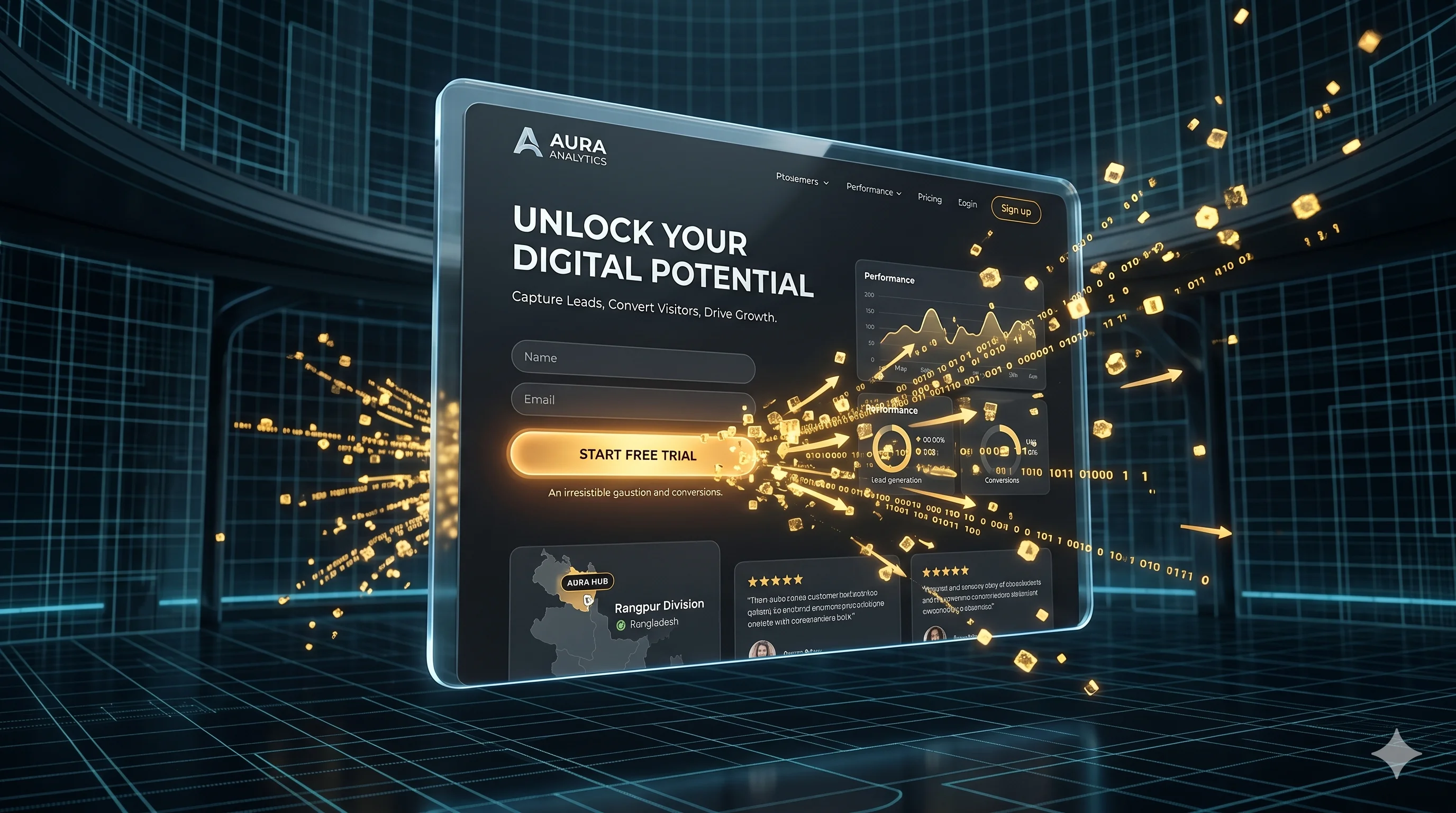
A homepage has to serve everyone: new visitors, returning customers, job seekers and journalists. A landing page has a single job: getting one specific group of people to take one specific action. If you run ads, launch a product or collect sign-ups, sending that traffic to your homepage wastes much of what you pay for.
This guide walks through how a high-converting landing page is structured, section by section, and how to keep improving it once it is live.
Landing page vs homepage
| Homepage | Landing page | |
|---|---|---|
| Audience | Everyone | One specific group |
| Goal | Help people explore | One action, such as a sign-up or enquiry |
| Navigation | Full menu | Minimal or none |
| Message | Your whole business | One offer, matched to the ad or email |
| Best for | Organic and direct visitors | Ads, launches, email campaigns |
Start with speed
The best copy in the world will not help if the page is still loading when the visitor gives up. Paid visitors are especially impatient. Aim for a page that passes Google's Core Web Vitals on a mobile connection.
- Keep the page lean: only the code, fonts and images it actually needs.
- Compress images and serve them at the right size for each screen.
- Avoid heavy sliders, autoplay videos and stacks of tracking scripts above the fold.
- A purpose-built page is usually much lighter than one assembled in a general page builder.
The anatomy of a high-converting landing page
1. A hero section that matches the promise
The top of the page should answer three questions immediately: what is this, why should I care, and what do I do next? Use a headline that repeats the promise of the ad or link that brought the visitor, a short supporting sentence, and one clear button. If the ad says "Pharmacy POS with stock alerts", the headline should say the same thing, not something generic.
2. One clear call to action
Remove anything that pulls attention away from the goal: the full site menu, unrelated links and extra offers. Use one main action, phrase the button as an outcome ("Book my free demo", "Get the price list"), and repeat it after each major section.
3. Proof, close to the top
Show early on that real people use and trust what you offer: genuine reviews, recognisable clients (with permission), short case studies or numbers you can back up. Specific beats vague. "Saved our team about ten hours a week on stock counts" is far more convincing than "Great service!"
4. The problem, then your solution
Describe the problem in the visitor's own words, so they recognise their situation. Then show how your product or service solves it, focusing on outcomes rather than a list of features. A simple grid of three to six benefits, each with one sentence, is easy to scan on any screen.
5. Answers to objections
Every visitor has doubts: price, time, risk, effort to switch. A short FAQ section that answers them honestly removes reasons to leave. Include what happens after they click the button, so the next step feels safe.
6. A form that is easy to finish
Ask only for what you need to take the next step. Name and email are often enough. Use the right input types and autofill, show clear error messages, and say what happens after they submit and how quickly you will reply.
Keep improving after launch
A landing page is never finished. Once it is live, let data guide changes:
- Track conversions in Google Analytics 4, broken down by traffic source.
- Watch real sessions with a heatmap tool to see where people stop scrolling or hesitate.
- Test one change at a time, such as the headline, the button text or the length of the form.
- Give tests enough traffic before deciding. Small samples produce misleading winners.
Landing page checklist
- Headline matches the ad or link that brought visitors here.
- One main call to action, repeated through the page.
- Loads quickly on a phone.
- Real, specific proof near the top.
- Benefits written as outcomes, not features.
- FAQ that answers the main objections.
- Short form with clear next steps.
- Conversion tracking in place before you spend on ads.
Frequently asked questions
Should a landing page have a navigation menu?
Usually no. A full menu gives visitors many ways to wander off. Keep a logo and perhaps a phone number or a link to your privacy policy, but little else.
How long should a landing page be?
As long as it needs to answer the visitor's questions. A free download can work with a short page. An expensive or complex offer usually needs more explanation and proof.
How many landing pages do I need?
Ideally one for each distinct audience or offer. A page written for one specific group almost always beats a general page that tries to speak to everyone.
Launch with a page built to convert
Shawon Web designs and builds fast, focused landing pages and the forms, tracking and integrations behind them, so every lead lands where your team needs it. Fixed price, and you own the code.
Request a quote for your next campaign.


Comments
No comments yet. Questions and thoughts are welcome.